ShapeWorks Command
ShapeWorks provides a single shapeworks command with subcommands for grooming, optimization, and other operations. Each subcommand has interactive --help documentation.
The codebase is organized as shared libraries rather than independent executables, providing a common backbone for both command-line and GUI-based tools. This also enables ShapeWorks functionality to be linked into new applications.
Example: ResampleVolumesToBeIsotropic
Old command-line: ResampleVolumesToBeIsotropic
./ResampleVolumesToBeIsotropic --inFilename <input-file> --outFilename <output-file>
                               --isoSpacing <voxel-spacing>
                              [--isBinaryImage] [--isCenterImageOn]
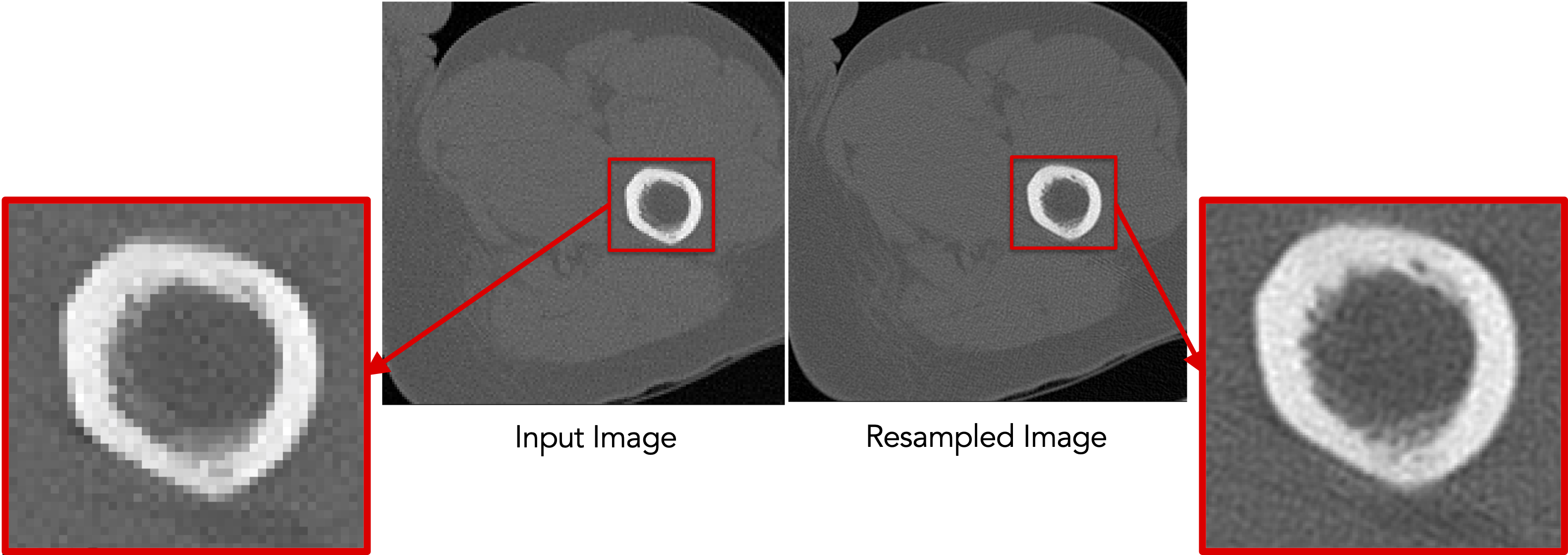
Resampling images
Command-line: isoresample (for images)
shapeworks readimage --name <input-file> recenter
           isoresample --isospacing <voxel-spacing>
           writeimage --name <output-file>
C++ (without chaining): isoresample (for images)
Image img(<input-file>);
img.recenter();
img.isoresample(<voxel-spacing>);
img.write(<output-file>);
C++ (with chaining): isoresample (for images)
Image img(<input-file>).recenter().isoresample(<voxel-spacing>).write(<output-file>);
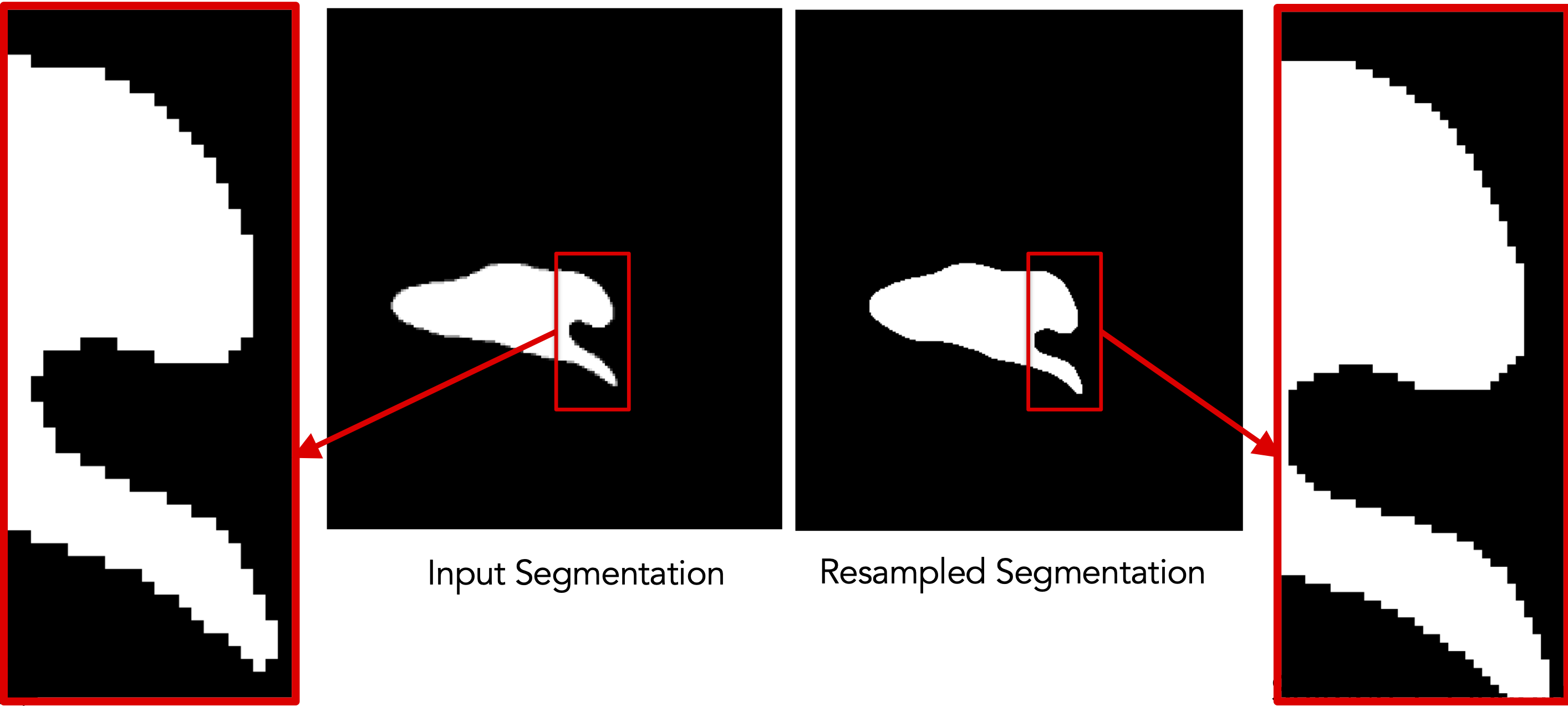
Resampling segmentations
The resampling functionalities are broken down into modular subcommands:
- Antialias using
shapeworks antialias - Recenter using
shapeworks recenter - Binarize using
shapeworks binarize
This allows the user to choose the set of commands to run, modify parameters at each step, and save intermediate outputs for troubleshooting.
Command-line: isoresample (for segmentations)
shapeworks readimage --name <input-file>
           recenter antialias --iterations <num-iter>
           isoresample --isospacing <voxel-spacing> binarize
           writeimage --name <output-file>
C++ (without chaining): isoresample (for segmentations)
Image img(<input-file>);
img.recenter();
img.antialias(<num-iter>);
img.isoresample(<voxel-spacing>);
img.binarize();
img.write(<output-file>);
C++ (with chaining): isoresample (for segmentations)
Image img(<input-file>).recenter().antialias(<num-iter>).isoresample(<voxel-spacing>).binarize().write(<output-file>);