Studio Feature Highlights
DeepSSM in Studio
ShapeWorks Studio includes the ability to run DeepSSM tools directly.
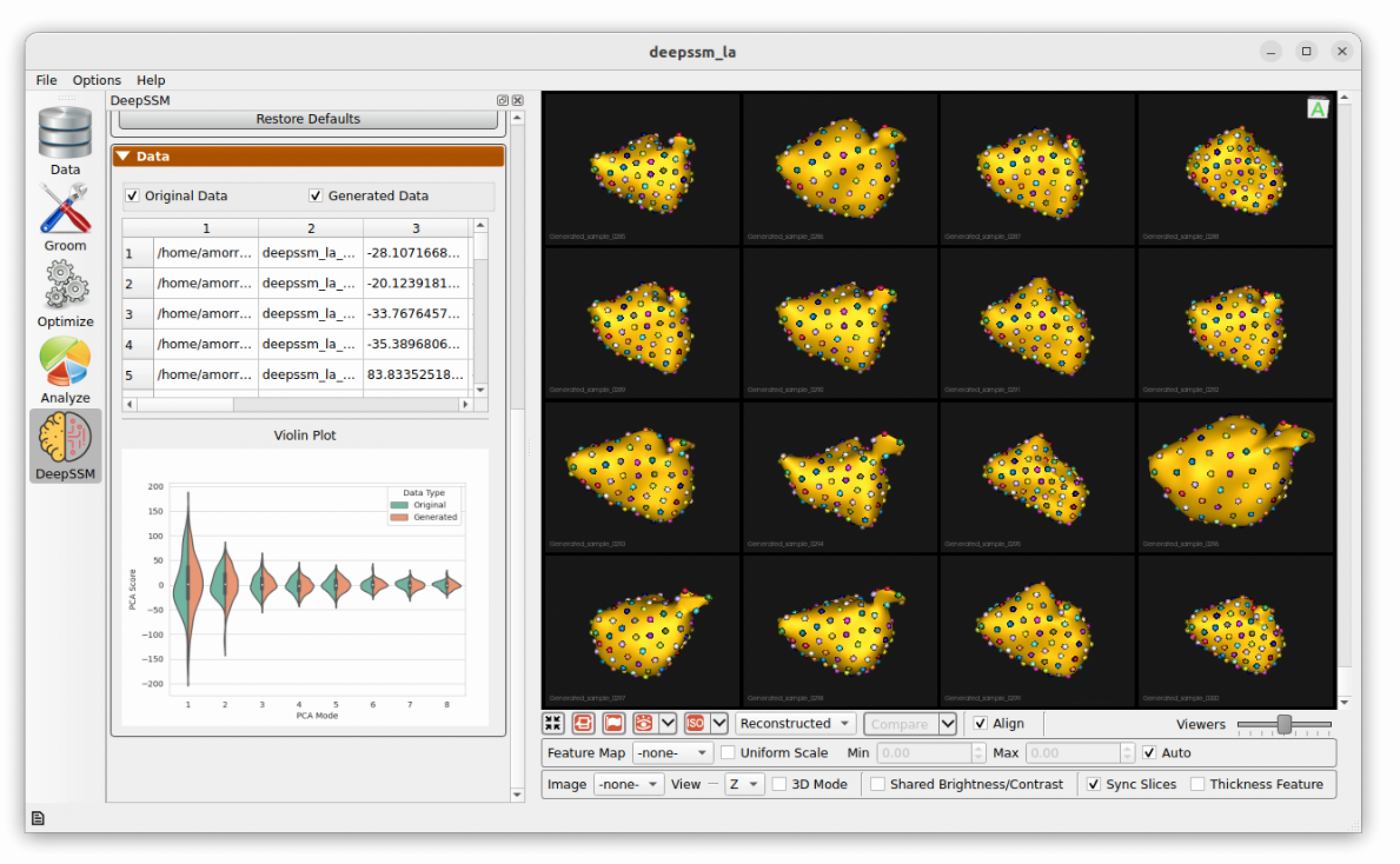
See DeepSSM in Studio for more information.
Multiple Domain Alignments
ShapeWorks Studio supports multiple alignment strategies, allowing analysis with and without articulation with a choice of reference domain, or global alignment.
See Multiple Domain Alignments for more information.
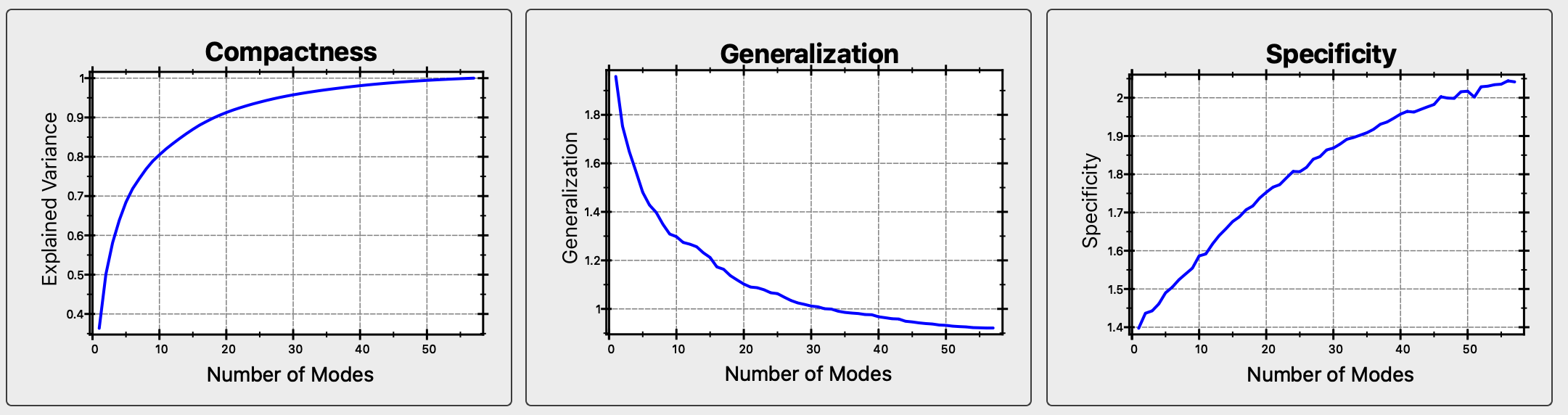
Shape Evaluation Charts
ShapeWorks Studio provides shape evaluation charts for Compactness, Specificity and Generalization.
See Studio Metrics Panel for more information.
Usability Features
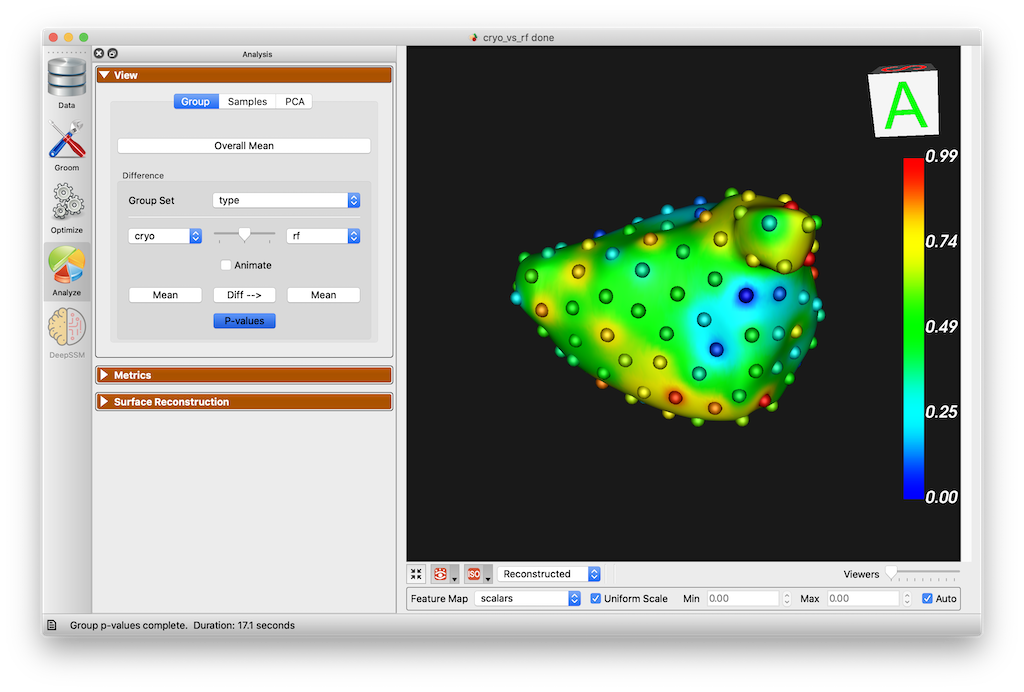
Group p-value Display
Studio can display group-wise p-values for surface differences.
Scalar range controls
Studio feature maps, p-value displays, and DeepSSM surface error displays allow for manual control over scalar colormap values.
Surface opacity controls
Shape surface opacity can now be controlled on a per domain basis.
Added narrow band optimization parameter
The narrow band optimization parameter has been added to Studio's Optimize parameter dialog. This allows the user to modifiy the narrow band from the default of 4 in the rare event that it needs modification.
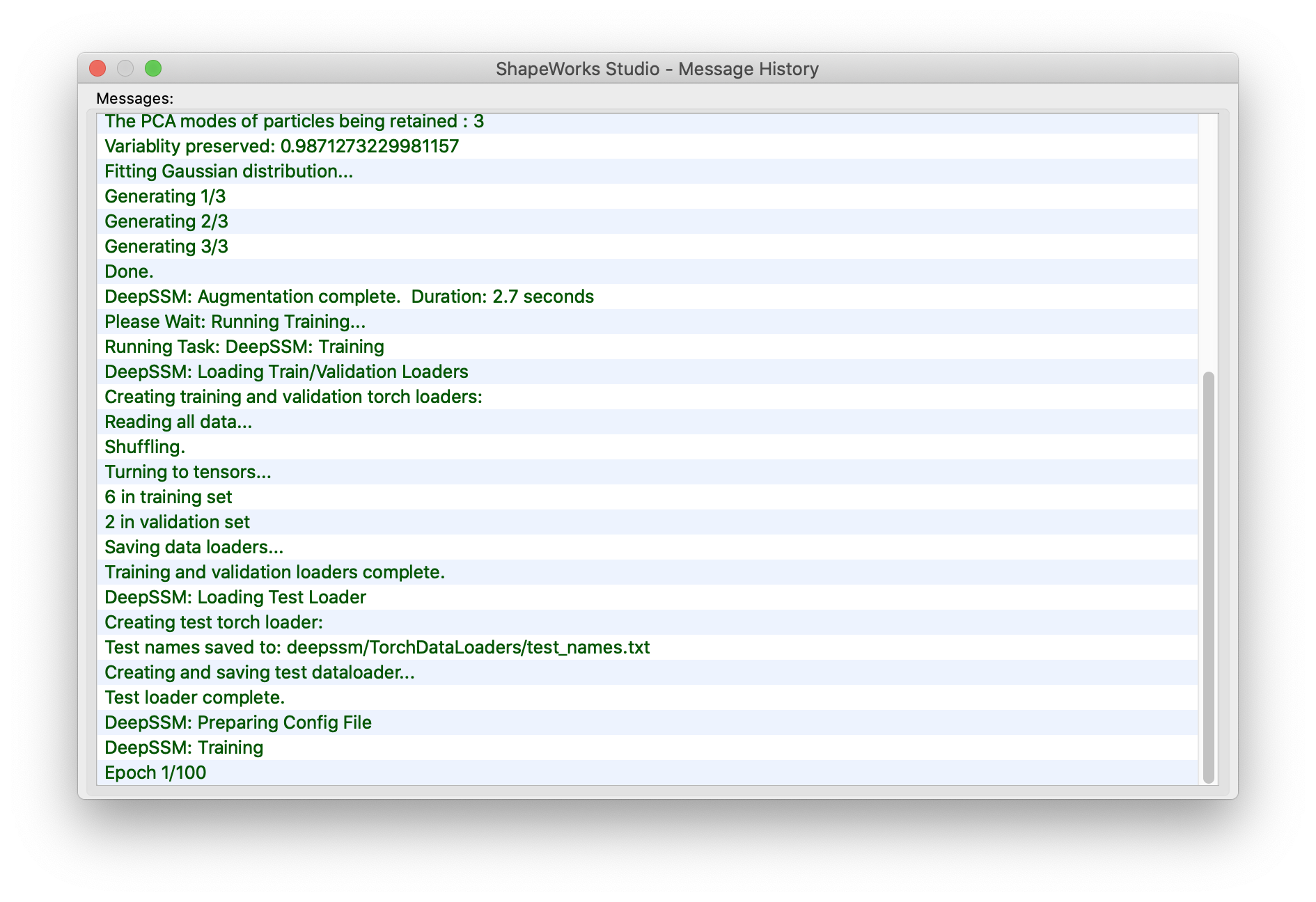
New message history window
A new button in the lower corner has been added that brings up the message history from the status bar.
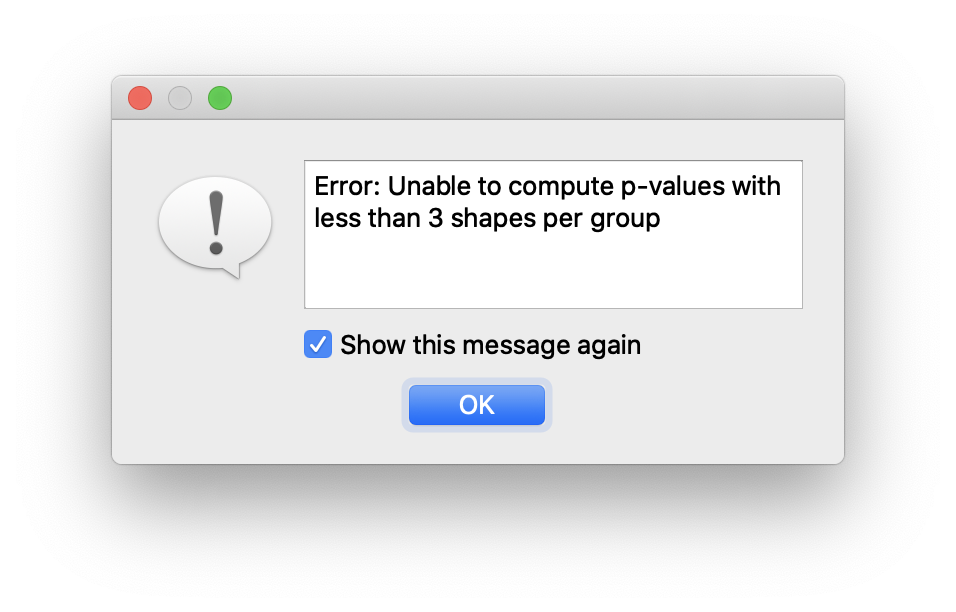
New suppressible error dialog
The error dialog has been replaced with a new dialog containing a checkbox to suppress further messages
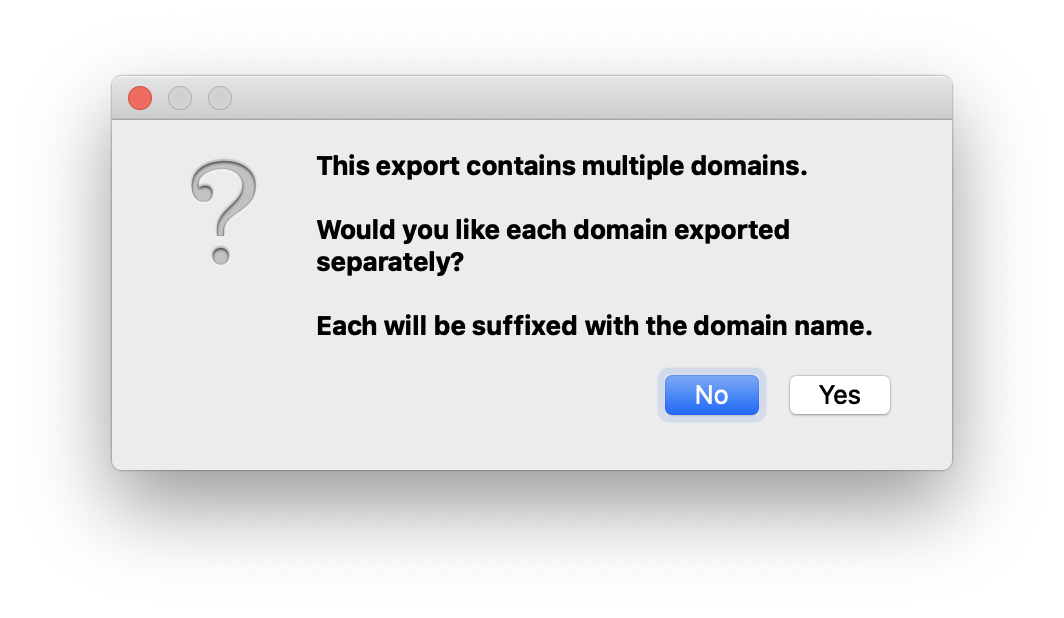
Multiple domain export options (combined + separate)
When exporting data in the presences of multiple anatomies/domains, you may now export a combined file, or one for each domain.
Allow initial landmark points
Initial particle positions can be specified in a Project Spreadsheet using the column prefix landmarks_file_<name> where <name> is the name of each shape domain. For example:
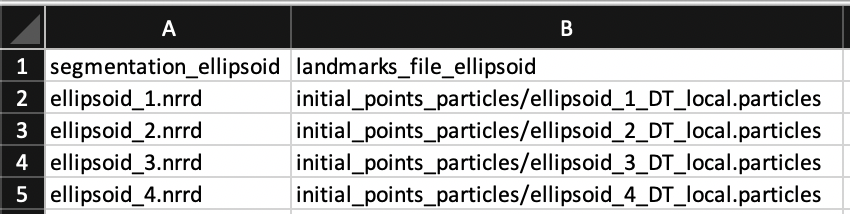
These landmarks will be used as the initial positions of particles during optimization. They are not yet visualized within Studio before optimization.
Mesh warping improvements
Multiple sources of crashes during mesh warping have been fixed and the overall speed has been dramatically improved.
Multiple Domains
ShapeWorks Studio supports modeling multiple domains (e.g. anatomies) in a joint correspondence model.
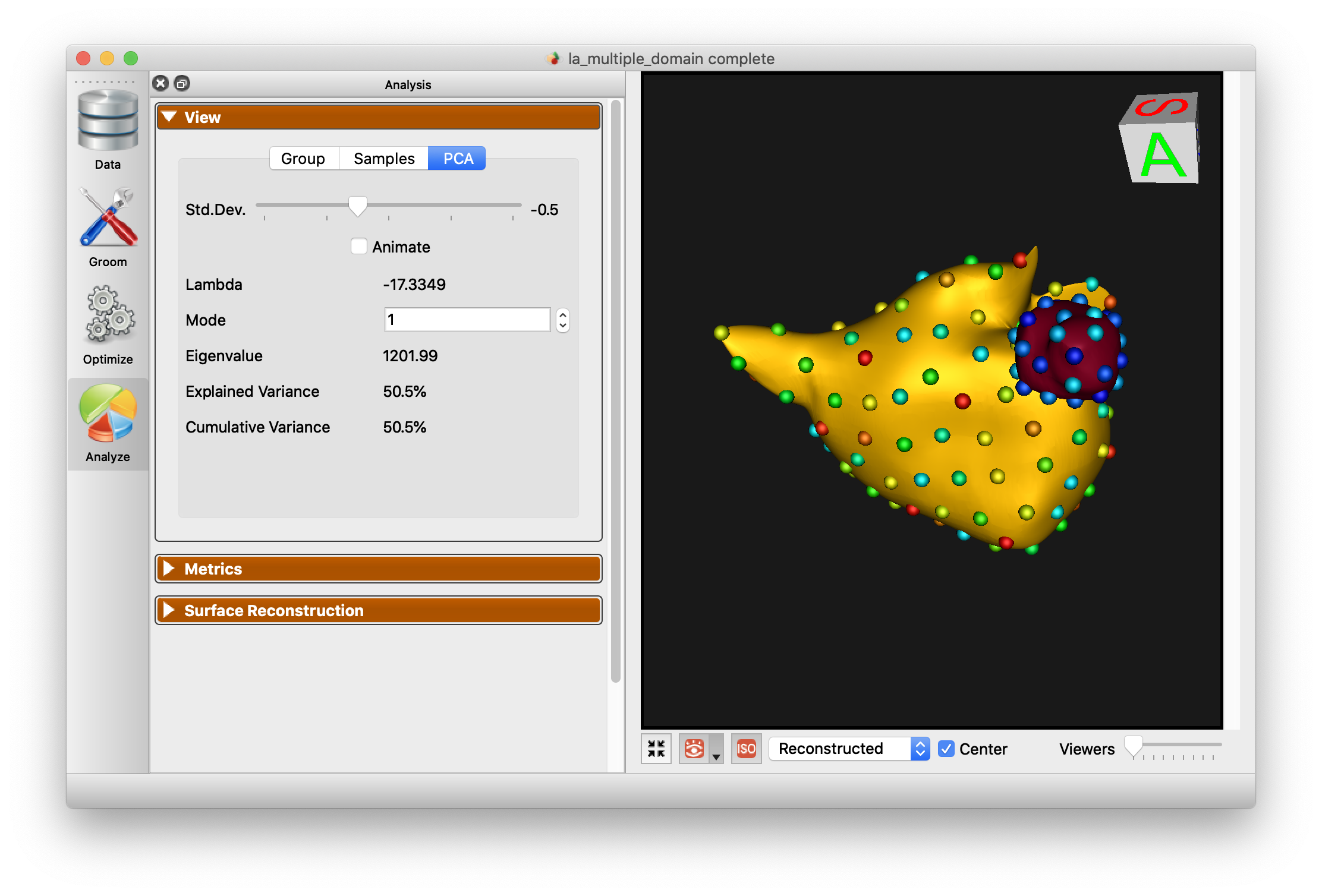
See Multiple Domains for more information.
Mesh Grooming
ShapeWorks Studio supports mesh grooming, including smoothing, hole filling, and iterative closest point pre-alignment.
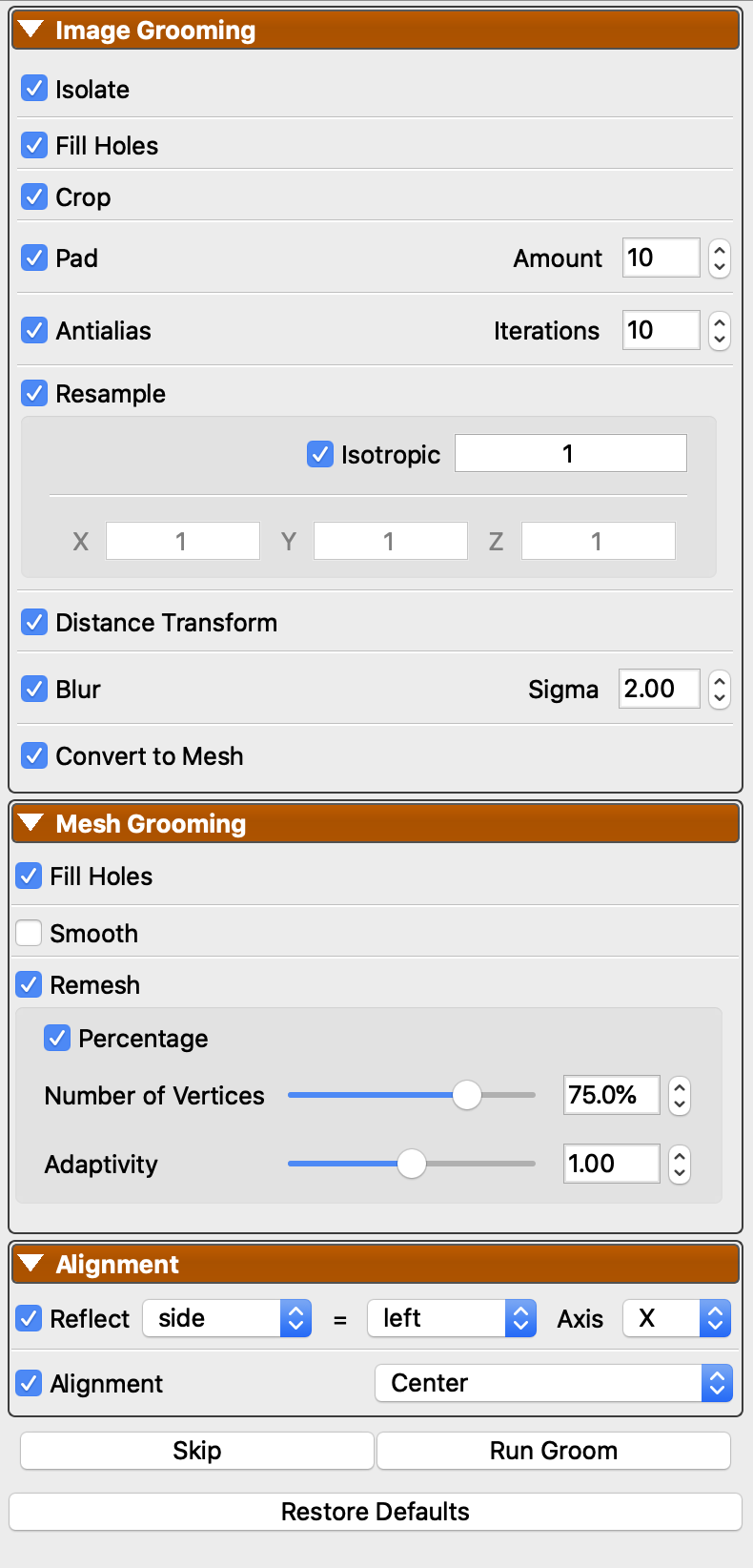
See Groom Module for more information.
Mesh Support
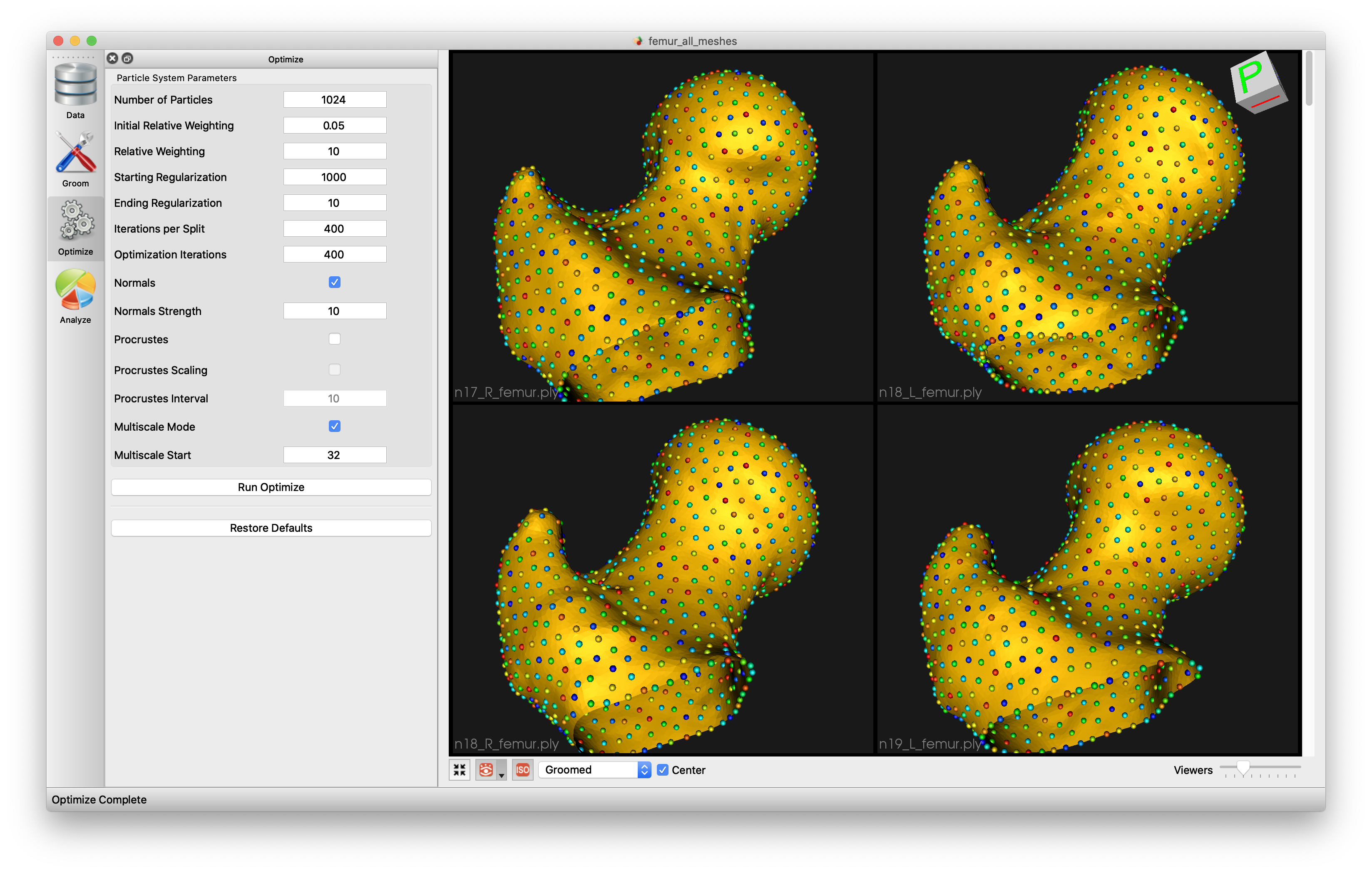
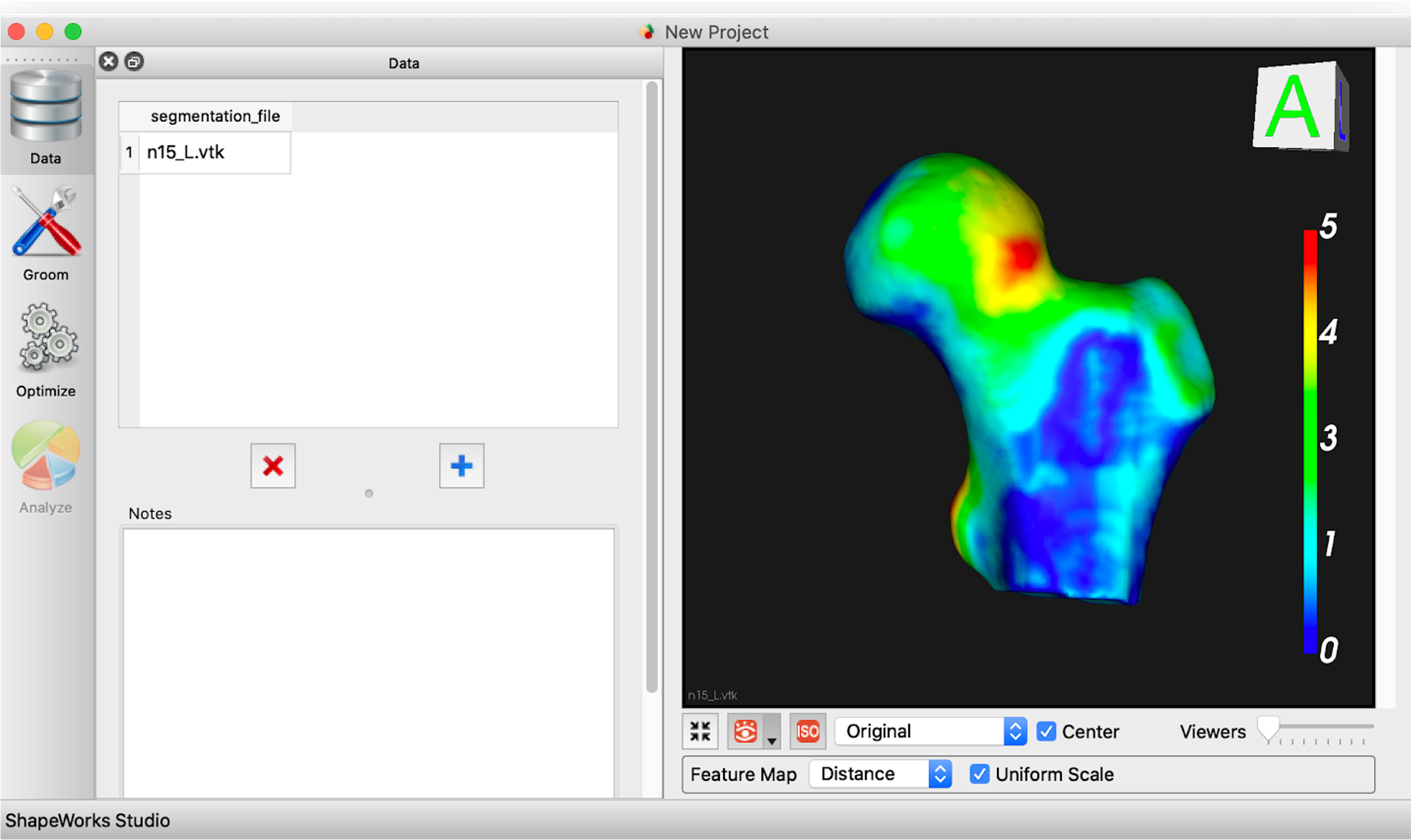
ShapeWorks Studio supports loading meshes, optimizing shape models directly on meshes, and visualizing meshes with scalar feature values. Meshes can store values at vertices such as “cortical thickness” or “fibrosis”, which Studio uses in a similar manner as feature maps/volumes.
Open meshes in Studio
Visualizing features on surface mesh
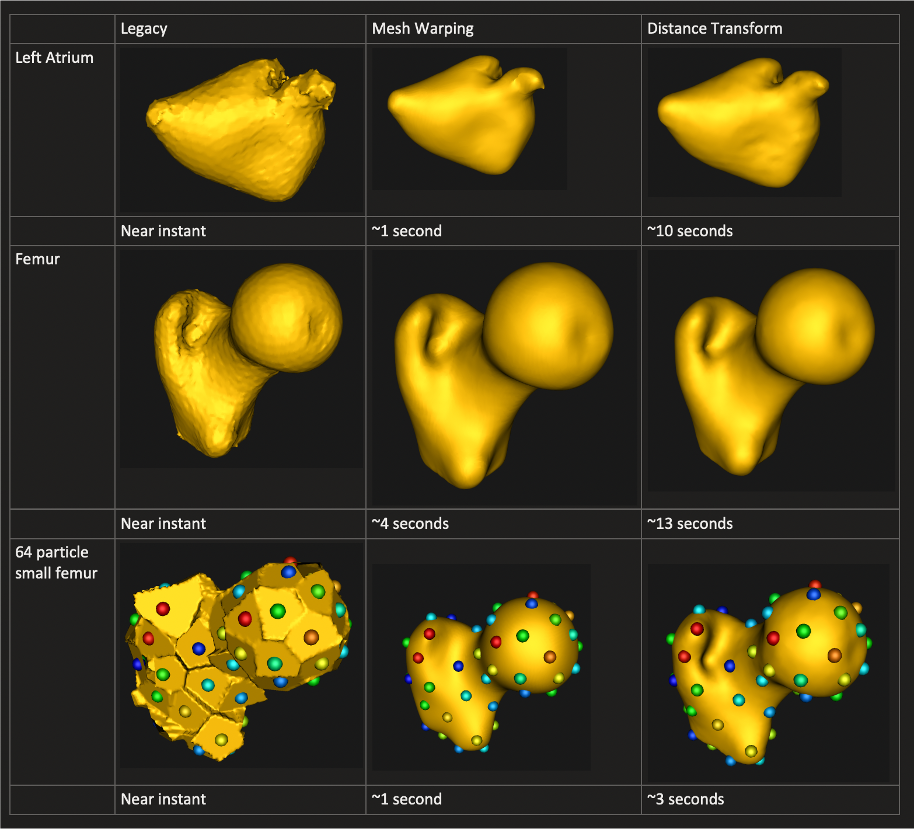
We also added a new surface reconstruction method with support for both mesh or image inputs. This method is much faster and is the new default.
New and faster surface reconstruction
Improved Studio Interface
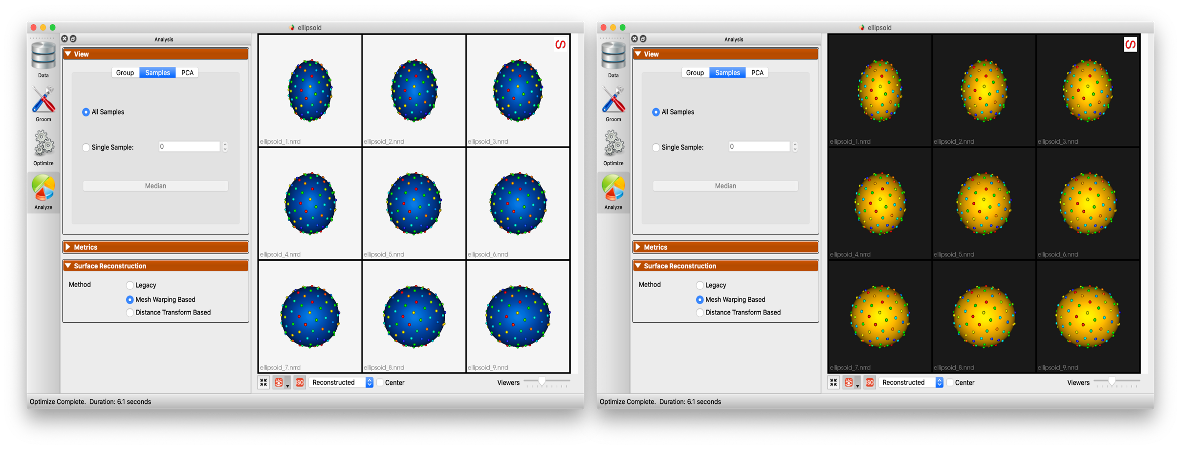
ShapeWorks Studio supports automatic glyph sizing and drag/drop of images and meshes. Scalar bar color is opposite of the background color for better contrast.
Samples names color is opposite of the background color for a better contrast
Surface Reconstruction
ShapeWorks Studio provides a particle-based surface reconstruction that can reconstruct high quality surface meshes with fewer number of particles. See How to Analyze Your Shape Model? for details about the method.
With particle-based surface reconstruction, there is not need to optimize denser particle systems (i.e., with more particles) to reconstruct surface meshes with subvoxel accuracy
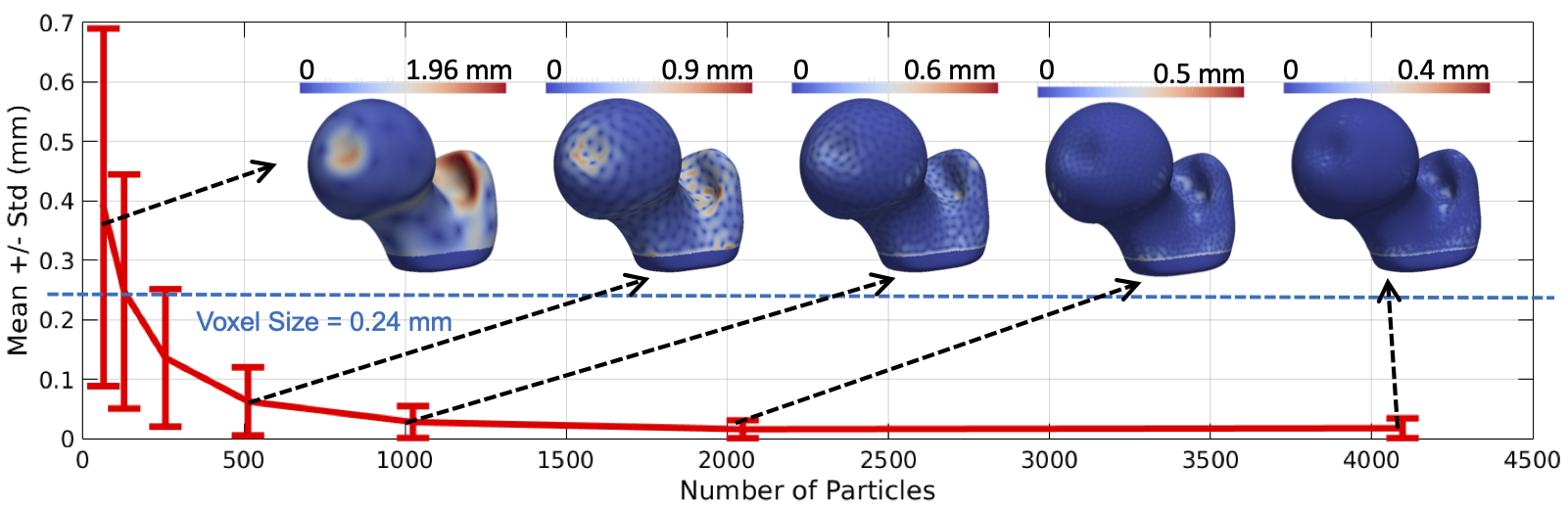
(old) VTK-based surface reconstruction
(new) particle-based surface reconstruction
Dynamic Loading
ShapeWorks Studio support load-on-demand, which makes it more scalable by supporting loading in order of 100s of samples. For instance, an old small project that took 10+ seconds to load now starts instantly in Studio.
(old) without dynamic loading
(new) with dynamic loading
Live Particles Movement
ShapeWorks Studio allows for live introspection of the correpsondence placement optimization process and the ability to abort the optimization at any time (e.g., changing algorithmic parameters).
Feature Maps
ShapeWorks Studio has the ability to integrate feature maps. A feature map is a 3d image volume that contains scalar values to be associated with each shape’s surface. For example, this could be raw or processed CT/MRI data. The feature map can be displayed for each surface by choosing the desired feature map in the feature map combobox at the bottom of the screen. After the correspondence is generated, the average feature map can be displayed on the mean shape in the analysis tab.